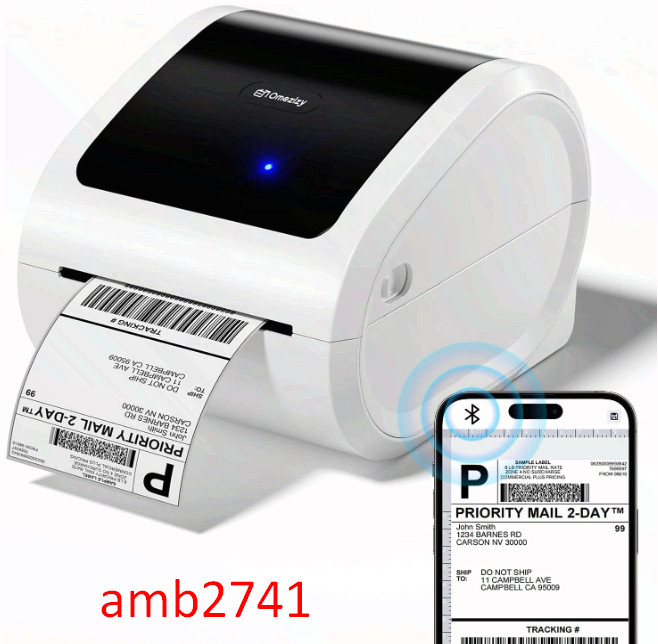
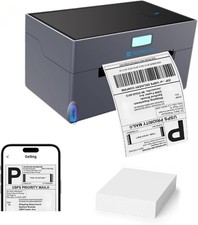
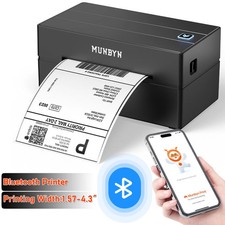
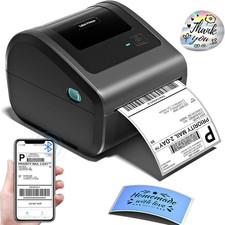
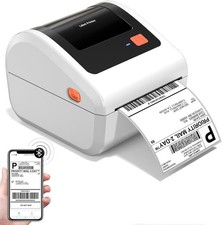
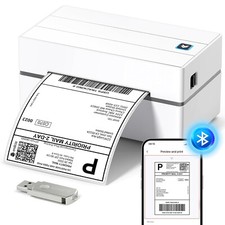
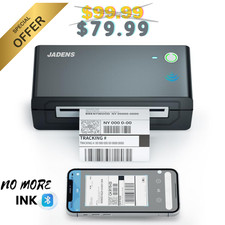
Bluetooth Shipping Label Printer 4x6 - D520BT Bluetooth Thermal Label Printer for Small Business, Shipping Packages, Compatible with USPS, Shopify, Amazon, Tiktok
About this item
- [Compact Thermal Printer] - Bluetooth thermal label printer with a larger paper bin design. Not only it supports roll paper loaded inside, but also supports fan-fold paper to load from the back of the thermal shipping label printer and doesn't need an extra support holder. Multiple choices, as well as help you save desktop space, make your work more efficient and relaxed
- [Support both Bluetooth and USB Connection] - How wonderful! The Bluetooth connection of this shipping label printer supports Android/iOS systems & MAC/Win! Moreover, The Bluetooth shipping label printer can also be connected to USB and is compatible with Windows, Mac, ChromeOS and Linux systems. Please note: All Bluetooth should be connected via the App in the guide
- [Strong Platform Compatibility] - Desktop label printers is compatible with all major sales platforms including USPS, UPS, Tiktok, , Esty, Shopify, PayPal, Poshmark, and etc. Ideal for your online small business for shipping packages.(Note: Please remember to download the label to be printed on the corresponding platform before printing, then upload it to the APP in the guide for printing)
- [Efficient Wireless Label Printer] - This 4x6 label printer can support the width of 1 - 4.6 inches labels. The upgraded thermal printing technology allows the label printer for small business to print at a speed of 150mm/s. Average printing up to 72 sheets of 4"x6" labels per minute. Undoubtedly, Our label printer for labeling can help you to work more efficiently and comfortably
- [Easy to Set Up] - The usps label printer supplies detailed video and manuals, Helps you set up the barcode label printer quickly and easily in less than a minute.
Omezizy D520-BT Label Printer —— Strong Helper for Your Business
· Support bothBluetoothandUSBconnection,use our APP to print with Bluetoothto make running a business only with a smartphone or tablet possible. Now,Windows&Macalso support printing via Bluetooth.
· Printing wirelessly saves more space.
· Compatible withWindows, Mac, Chrome OSandLinux,AndroidandiOSsystems, and compatible with all major platforms likeEsty, , USPS, Shopify, etc
· Green money saver -doesn't need inkand works with labels you got from shippers,save your money.
· Includedlabel edit software, you can batch edit your labels or customize your own labels.
Windows & Mac also Support Printing via Bluetooth - Steps:
1. Open the software homepage.
2. Click on "Please install the driver connect the printer", and select "Add printer".
3. Click the "wireless connection" button and wait for your computer to search the printer. If there shows the printer, click it and connect.
4. If the machine displays "connected", congratulations, the Bluetooth connection is successful, and you can use the printer's Bluetooth function with your computer. If the connection fails, please restart the printer and repeat the previous steps.
Friendly reminder:
1. Bluetooth now supports Mac/Win. The computer needs to have Bluetooth function to connect. Please also pay attention when using.
2. If a computer is connected to USB, it cannot be connected via Bluetooth on the same one computer. But, printers can support two different device connections, with one device connected via USB and the other different devices can connect via Bluetooth.