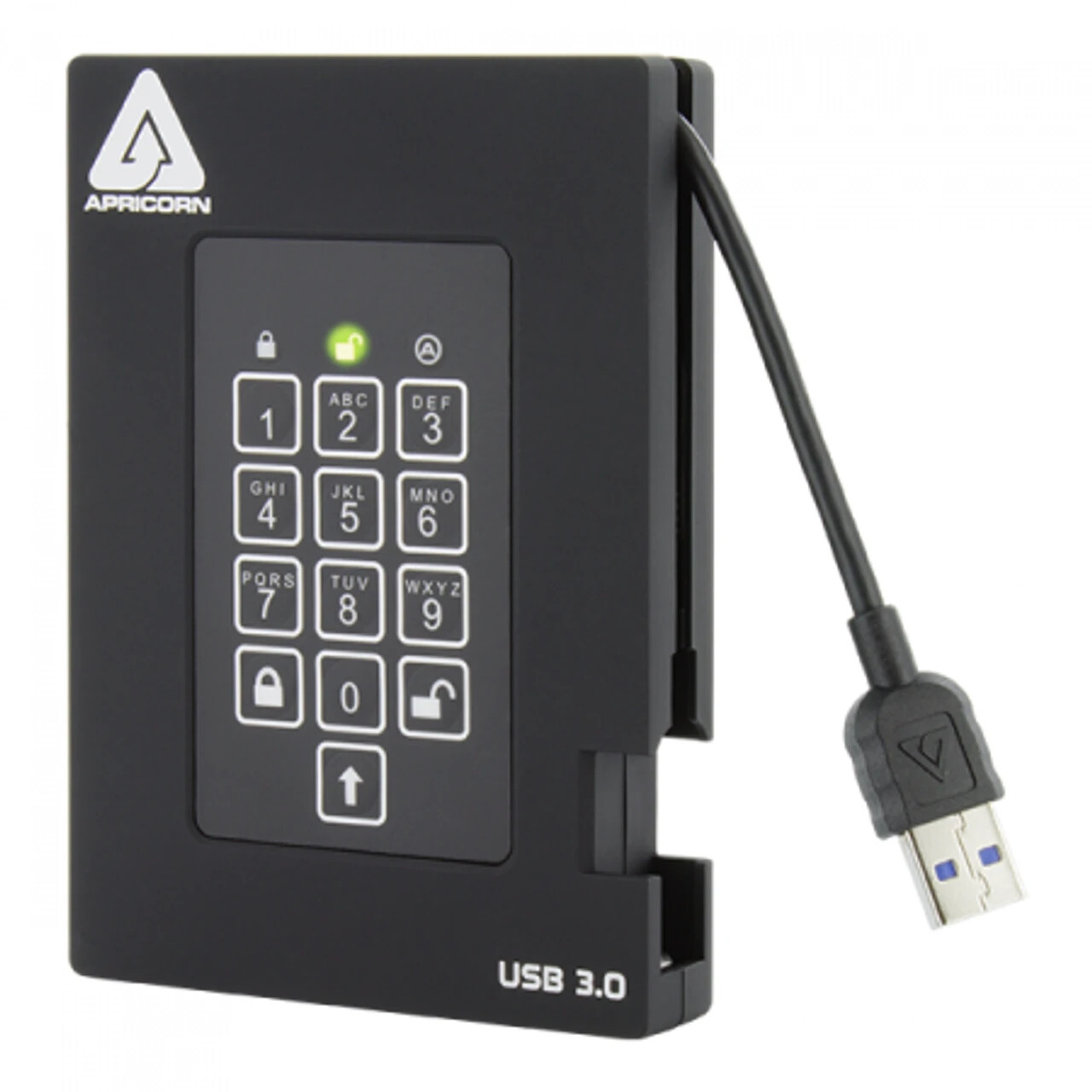
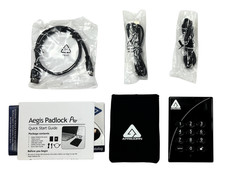
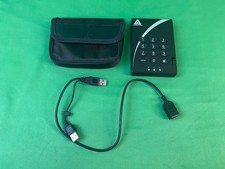
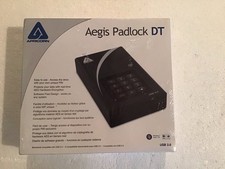
DEFAULT PIN:1466411198 + Unlock Button.How to do a Complete Reset:1.Press and hold the LOCK button after plugging in the USB cable. Release the LOCK button once the power-up self-test concludes (when only the RED LED glows steadily.)2.Within five seconds of releasing the LOCK button, press and hold LOCK+ UNLOCK + 2 together for about ten seconds, until the RED and BLUE LEDs blink alternately, then release all buttons.3.The GREEN and RED LEDs will glow steadily for several seconds, followed by the GREEN LED glowing steadily for several seconds, followed finally by the GREEN and BLUE LEDs glowing steadily which indicates that the reset is complete.4.A new Admin PIN will need to be entered and the drive will need to be reformatted.
A complete reset of the Aegis Padlock DT will erase all information and partition settings. You will need to initialize and format the drive again after reset. To initialize your Padlock DT, perform the following steps:
1.After a complete reset, press + 9. The BLUE LED will glow steadily and the GREEN LED will be blinking.2.Enter the new Admin PIN and press the button. If accepted, the GREEN LED will quickly blink three times, then return to the BLUE LED glowing steadily and the GREEN LED blinking.3.Re-enter the Admin PIN and press the button. If accepted, the GREEN LED will be solid for two seconds.4.The BLUE LED will glow steadily for 30 seconds (or until the LOCK button is pressed, which will return the drive to its standby state.)5.The Admin PIN is now set and will allow access to the drive or the Admin features. 6. To UNLOCK the drive, enter the new Admin PIN and press .
WHEN FORMATING, IT ALL DEPENDS ON WHAT SOFTWARE YOU USE.
Data Transfer Rate
USB 3.2 gen 1 (3.0) - up to 5 Gbps
Power Supply
100% Bus Powered
Buffer Size
8MB
Interface
Super Speed USB 3.2 type A (Backwards compatible with USB 2.0 and 1.1)
RPM
5400 HDD
Average seek time
12 ms
Shock - non operating
1000G 1ms
Shock - operating
300G 2ms
Dimensions
19mm X 84.5mm X 120mm (0.75” X 3.3” X 4.7”) Weight: 6.2oz.
Warranty
3 year limited
Approvals
FC CE | FIPS 140-2 Level 2 Validated (NIST certification #3944)
Certification Policies
NIST Cert. #4528
ECCN / HTS / Cage Code
5A992.c / 8471.70.5065 / 3VYK8System RequirementsCompatible with all Operating Systems, including Windows, Mac and Linux Requires USB port
Comments
One gigabyte (GB) = one billion bytes; accessible capacity will be less and actual capacity depends on the operating environment and formatting.