USB-C Multiport Hub Adapter
Product Description
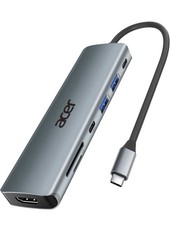
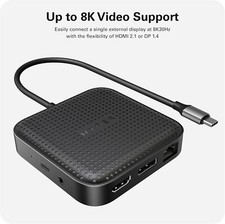
Running out of ports on your laptop or USB-C device? This compact multiport USB-C hub gives you several useful connections from one small adapter.
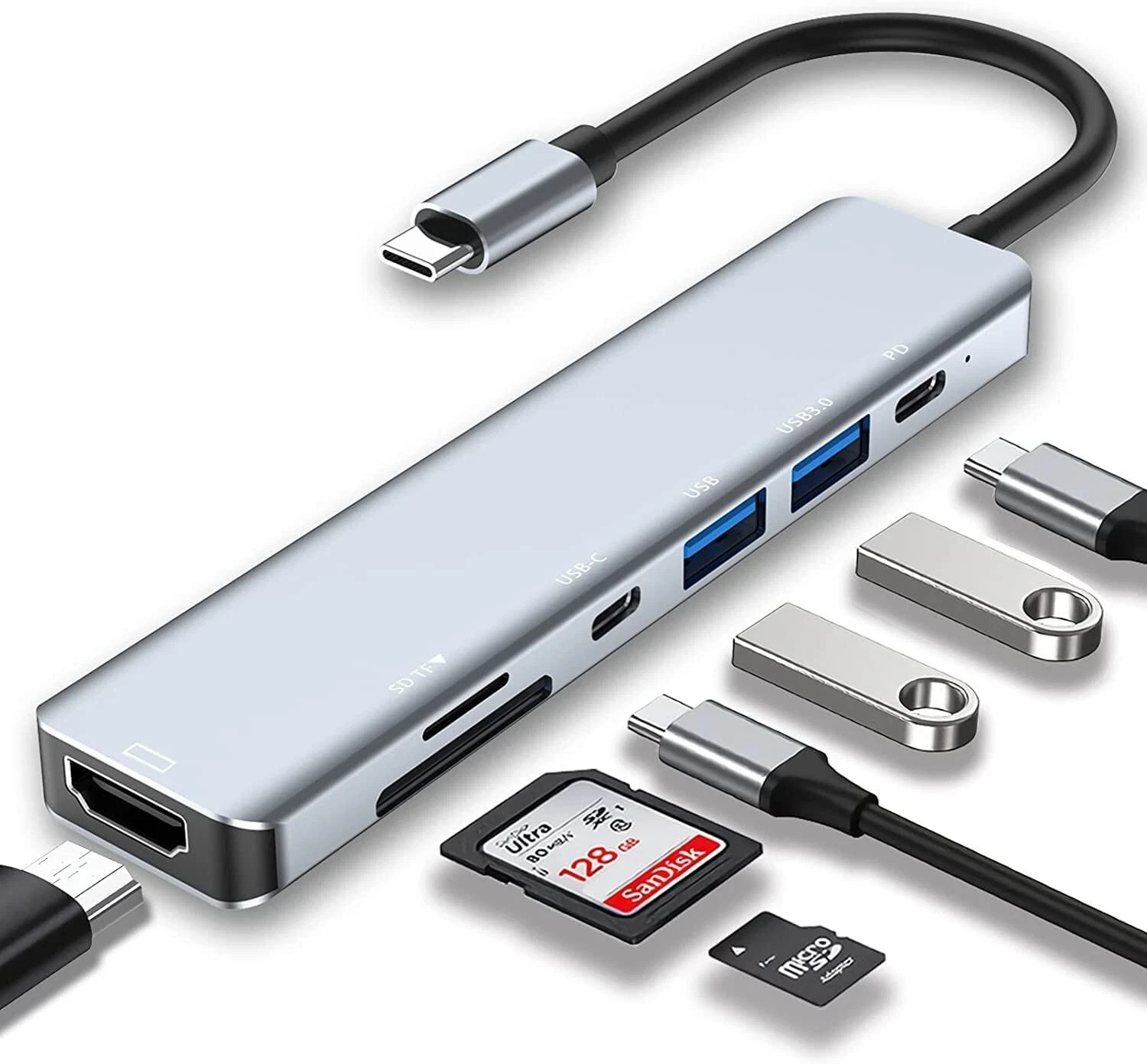
Connect USB accessories, read SD and TF memory cards, connect an HDMI display, and charge your compatible device through the USB-C PD charging port. It is a simple way to expand your setup without carrying a large docking station.
The slim design makes it easy to keep in your laptop bag, office drawer or travel case. Whether you are moving files, connecting accessories or working with an external display, it keeps the essential ports close at hand.
Please Check Before Ordering: Your host device must support USB-C connectivity and the required functions for the ports you intend to use. HDMI output and USB-C PD charging depend on the capabilities of the connected device and power source. Features
Multiple Ports: Expand a compatible USB-C device with several useful connections from one hub. - 2 x USB 3.0 Ports: Connect compatible USB peripherals such as keyboards, mice, flash drives and other accessories.
- HDMI Output: Connect to a compatible external monitor, TV or projector through HDMI.
- USB-C PD Charging: The dedicated USB-C charging port allows compatible devices to receive power from a suitable USB-C PD power source.
- SD Card Slot: Convenient access to compatible SD memory cards for file transfer and media use.
- TF / MicroSD Slot: Read compatible TF or microSD memory cards directly through the hub.
- USB-C Connection: Designed to connect to compatible devices equipped with a USB-C port.
- Compact & Portable: Small enough to carry with your laptop or keep on your desk without taking much space.
Specifications Product Type USB-C Multiport Hub Adapter Host Connection USB-C USB Ports 2 x USB 3.0 Video Output HDMI Charging Port USB-C PD Memory Card Support SD Card and TF / microSD Card Indicator Power LED Use Laptop, Office, Home and Travel Package Includes
One Small Hub. More Ways to Connect.
Keep your important connections together and make your USB-C setup easier.