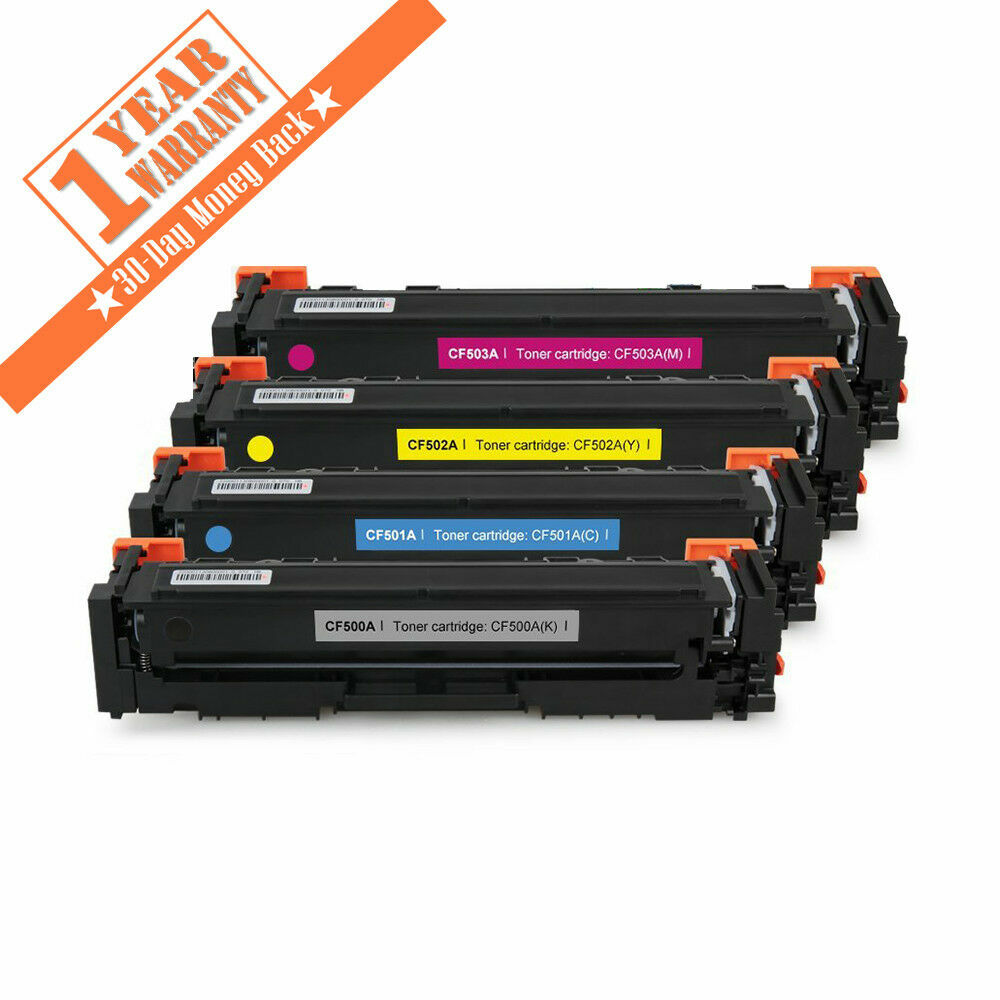
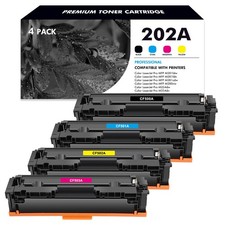
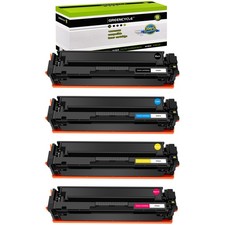
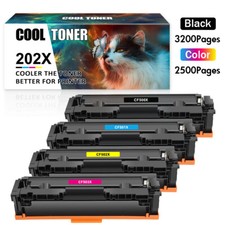
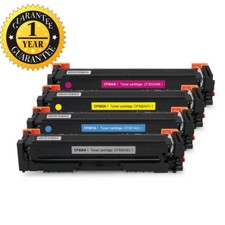
***High Quality CF500A KMCY color Cartridges with new IC chips***Suitable for HP LaserJet M254; M254dn; M254dw; M254nw; MFP M280; M280nw; M281dw M281cdw;MFP M281fdn; M281fdw ●New shell, new OPC, new rollers, new blades, best quality toner powder●100% enough toner loading -1,400 pages per black toner cartridge and 1,300 pages per color toner cartridge based on 5% coverage (letter/A4)●Chip easily recognized& no leakage●Manual guides you to install and 100% satisfifaction●12 Months Waranty for replacement or refund● Free Standard Shipping:only 1-5 days to arrive at your address!Compatible HP CF500A Black & Color Toner Cartridge
Features
● Condition: 100% Brand New and compatible
● Warranty: 12 month
● Shelf Life : 18 month
● Print Technology: Laser
● Color: Black
● Quantity: 1x Black, 1x Cyan, 1x Yellow, 1x Magenta
● Page Yield: 1,400 Pages Coverage per black toner cartridge at 5%(4A Paper) 1,300 Pages Coverage per color toner cartridge at 5% (4A Paper)
● Packing Included: 4 Pack of CF500A / 202A Toner Cartridges (1 Black, 1 Cyan, 1 Magenta, 1 Yellow)
Compatible Printer
HP Color LaserJet Pro MFP M254 M254dn M254dw M254nw M280 M280nw M281cdw M281fdn M281fdw M281dw
Product Description
● Provide same performance and reliability as genuine HP Cartridge.
● Meeting standards of ISO 9001&14001 with 100% new components.
● High-quality printing with every document.
● Easy to install or replace design.
● Full 1 year warranty against manufacturer defects and print quality.
Installation Instruction
Step 1: Unpack the new toner cartridge.
Step 2: Gently shake the toner cartridge from side to side to distribute the toner.
Step 3: Pull out the entire sealing tape.
Step 4: Remove the plastic shield and install the cartridge into the printer.
(Please kindly turn off your printer when installing)How to Fixed the "Non-HP" Problem of HP M254/M280/M281 Series Printers
1. Check Firmware Datecode
System setup → Service → Firmware Datecode
If your firmware datecode is earlier than 20221010, please not to update the firmware when the printer ask and turn off the auto-update as STEP 2.
If your firmware datecode is 20221010, please go ahead with the following steps to downgrade firmware. ( When you encounter "Non-HP" error message, you could ignore it and use the cartridge as normal.)
2.Turn off Allow Updates
Laserjet Update → Manage Update → Check Automatically →NO → Allow Update → NO
3.Downgrade firmware
Setup → Service → LaserJet Update → Manage Updates → Check Automatically → NO
Manage Updates → Allow Updates → YES
Manage Updates → Allow Downgrade → YES
Click the Downgrade Firmware on your computer → Select your printer model → Click "Send Firmware" → Until the smile logo appears
4.Disable auto-upgrade of your printer firmware
Repeat STEP 2Sales TermsPayment TermsDelivery TermsReturn TermsContact usSales Terms
● Every product that comes to your hand has been manufactured under ISO 9001:2000 - the quality management system which guarantees the quality for you.
● Moreover, the product is certified in compliance with ISO14001:2004 - the environmental management system standard.Payment Terms
●You can pay in any of the following ways - Credit Card, Debit Card, Gift Card, Apple Pay, Google Pay, PayPal and PayPal Credit.
Delivery Terms
● Please provide a physical address.
● All items will be shipped out within 24 hours (Mon-Fri) upon receipt of payment.
● The parcel will be delivered to the address on the account. Please double check and update the address on your PayPal account if any new so that the parcel can reach you smoothly.
● Self-pickup of this item is not allowed.Return Terms● 30 days refund and 1 Year Defect-Free Warranty (Warranty period starts from the date of purchase).Please contact us if the item broken upon receipt or can't work properly.
● For return or exchange of wrong item(s) bought, buyer will be responsible for the shipping fee.
● Return item(s) must have all ORIGINAL packaging and accessories.
● Replacement or refund will be issued upon receipt of the returned.
● Return for non quality reasons, We only return 80% of the amount
Contact us● Please contact us via"Ask a question" below if any question or concern.
● Your need being met with your satisfaction is our mission and pleasure.