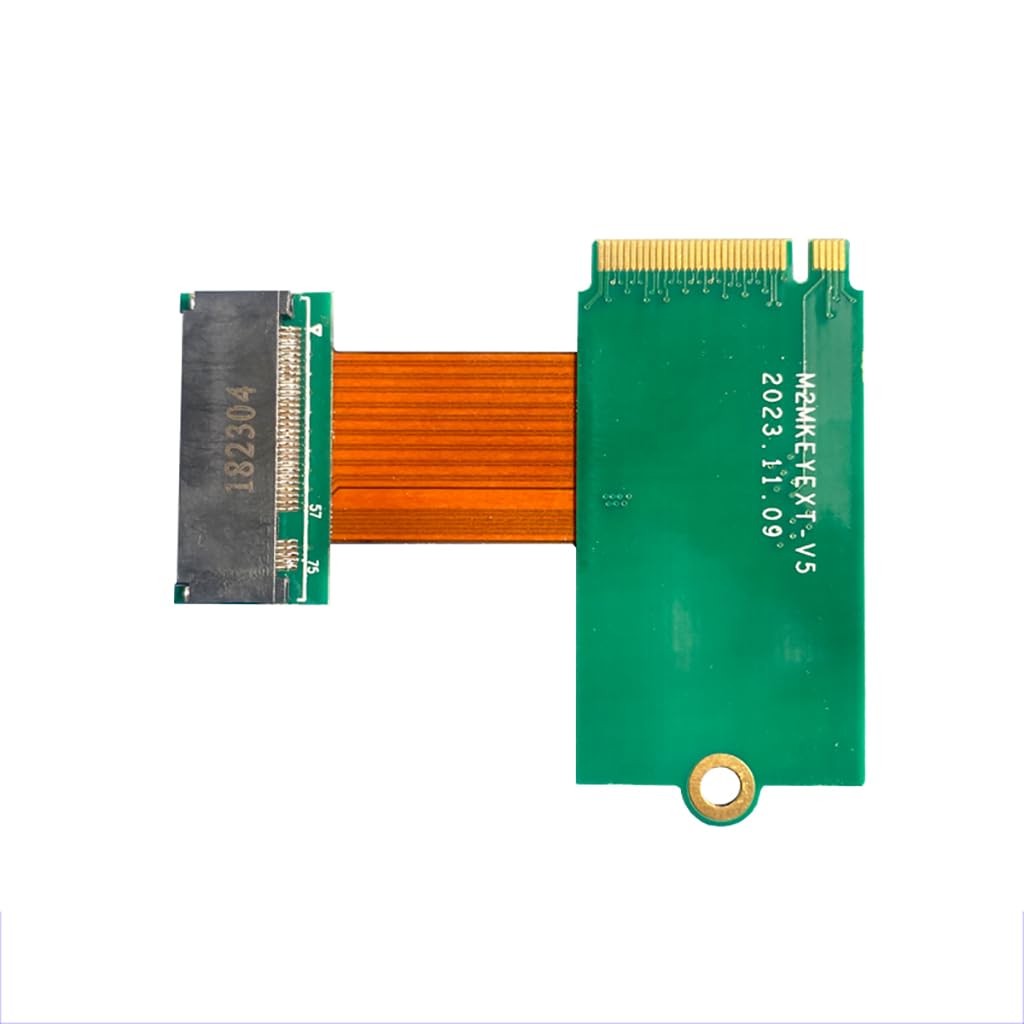
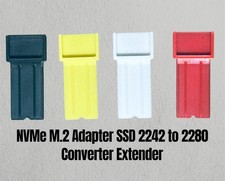
2242 to 2280 M.2 Modification Board Card Adapter with NVME Legion Go SSD Memory Card 4T 8T
Description:
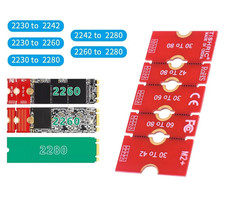
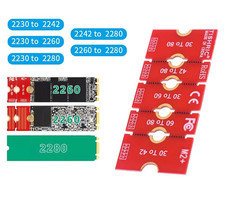
with nvme adapter card 2242 to 2280 (interface with 2230 2242 2260 2280.).
with legion go modification, you can install 2280 hard disk to get more capacity!
Installation Steps:
1. Disassemble the device, remove the original 2242 hard disk,black adhesive backing directly affixed to the original ssd underneath.
2.Install this adapter card and lock the screws.
3. Install the high-capacity 2280 hard disk to be replaced(it is recommended to buy single-sided particles of ssd),the connector using the face of the fixed style support 2230,2242,2260,2280.
4. Tightly fit it on top of the fixed bracket.
5. After installation, you can install the system, in the picture is installed 4T dual system(Package do not included).
with NVMe adapter card 2242 to 2280 (interface with 2230 2242 2260 2280.).
with legion go modification, you can install 2280 hard disk to get more capacity.
Installation: Disassemble the device, remove the original 2242 hard disk,?black adhesive backing directly affixed to the original ssd underneath.
Install the high-capacity 2280 hard disk to be replaced(it is recommended to buy single-sided particles of SSD).
After installation, you can install the system, in the picture is installed 4T dual system(Package do not included).