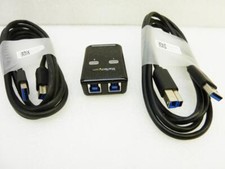
2 Port USB 2.0 Switch - Auto Printer Switch - Manually or Auto Control For Sale
When you click on links to various merchants on this site and make a purchase, this can result in this site earning a commission. Affiliate programs and affiliations include, but are not limited to, the eBay Partner Network.
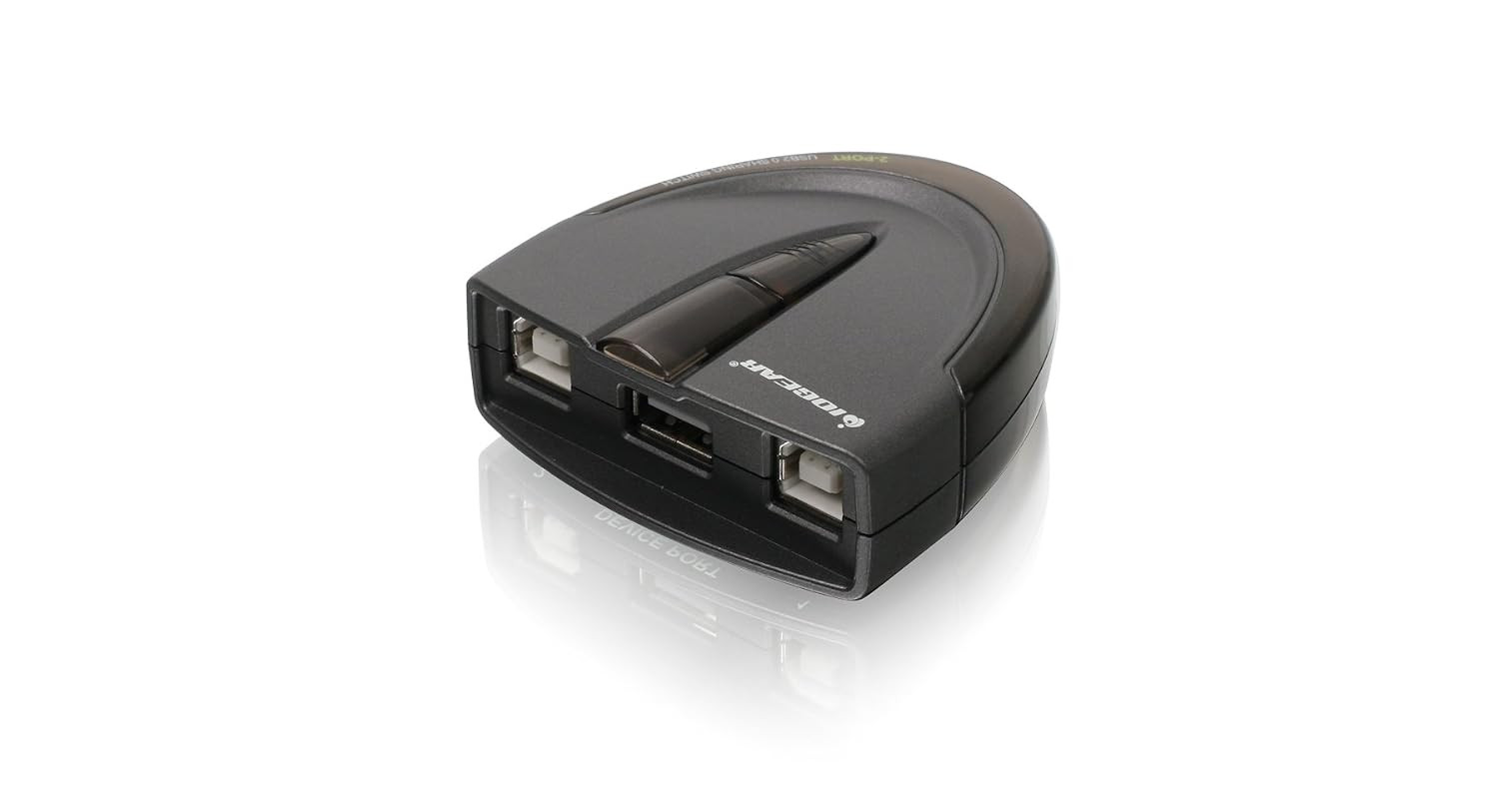
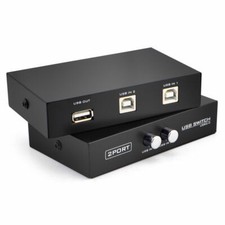
2 Port USB 2.0 Switch - Auto Printer Switch - Manually or Auto Control
Price: US $38.99
2 Port USB 2.0 Switch - Auto Printer Switch - Manually or Auto Control
Fast Shipping!
Product Description:
Product description 1 Automatic Switch: Printer 2 Compatible OS 1 Manual Switching: Printer 2 Manual Switching: Others 3 Compatible OS 1 Features 2 Sound Notification
Automatic Printer Switching Software Installation
The automatic switch function is software based and only available with USB printer or the printer function of a multi-function printer. For connecting and using other types of USB devices, you can switch computers by using the push-button on the USB switch or with the included software.
The video showcases the product in use.The video guides you through product setup.The video shows the product being unpacked. aplus content video
How to select the printer driver needed for automatic switching using Windows or Mac OS.
The video showcases the product in use.The video guides you through product setup.The video shows the product being unpacked. aplus content video
Do I need to load the software on all computers for automatic switching?
Yes, a software download is required on ALL computers connected for automatic switching.
Do I need administrative rights?
Yes, administrative rights are needed for the automatic switching function to work.
Can the switch be locked on a specific computer?
Yes, the switch can be locked to a specific computer by using the software or by pressing and holding the lock port button.
Can the sound notification be turned on or off?
Yes, there is a switch on the side of the device that can turn off the audible notification when switching between devices.
USB 2. 0 support with data transfer rate up to 480Mbps and USB 1. 1 backward compatible
{SHARE ONE USB PRINTER BETWEEN TWO WORKSTATIONS} Connect your workstations via USB 2.0 ports on the device, allowing you to share one printer, or Multi-function printer.
{AUTOMATIC OR MANUAL SWITCHING} Downloading the automatic switching software will automatically switch the Printer Switch to the computer that is submitting the task. However, manual switching can be done by pressing the switch-button on the device.
{MULTI-PURPOSE USE} Manually switch a wide range of USB peripheral devices (scanners, external hard drives, etc) via the push button located on the device itself.
No external power supply needed
Switch-lock function prevents other users from switching the USB device and ensures data access consistency
**Automatic Switching software requires Admin rights
31K POSITIVE REVIEWS!!FAST SHIPPING!!!!
100% AUTHENTIC PRODUCT OR YOUR MONEY BACK GUARANTEE!
100% satisfied customers. It says it all. Thank you for shopping with us!