 When you click on links to various merchants on this site and make a purchase, this can result in this site earning a commission. Affiliate programs and affiliations include, but are not limited to, the eBay Partner Network. When you click on links to various merchants on this site and make a purchase, this can result in this site earning a commission. Affiliate programs and affiliations include, but are not limited to, the eBay Partner Network.
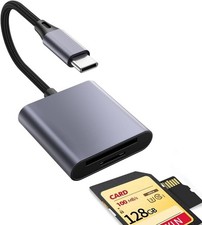
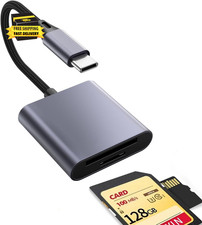
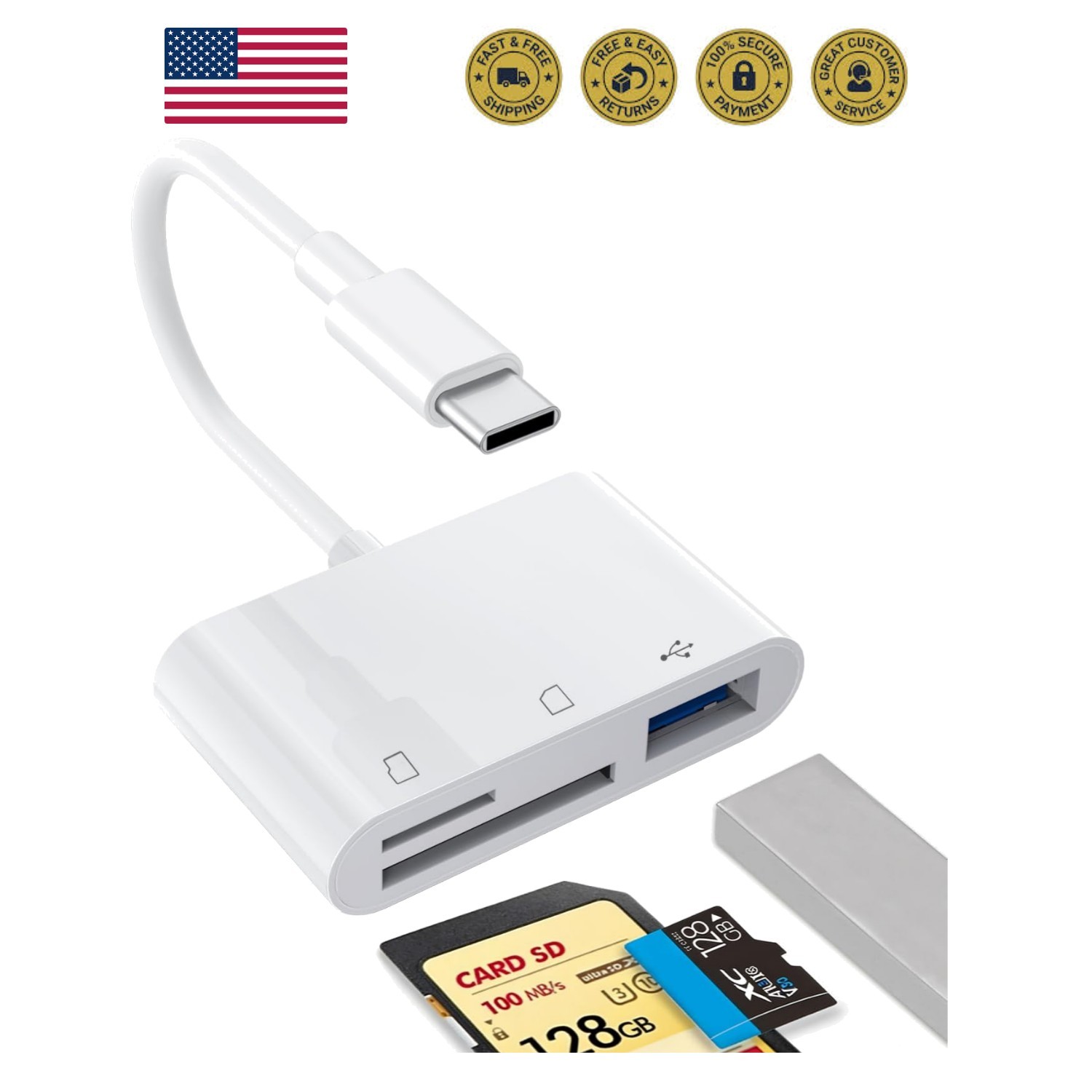
1PCS USB C to SD Card Reader | SD/TF/USB 3-in-1 memory card reader, Compatible with i15 16 17, for Photo/Video Transfer 【Plug and Play】USB C to SD card reader does not require any drivers. It is plug-and-play, very convenient and portable. For i 15, 16, 17, you only need to use the built-in "Files" application in iOS to import and export photos and videos (please refer to the product description below). 【Easy to Share】Type C SD Card Reader enables you to easily transfer photos/videos from your digital camera to your mobile or other devices, and share them with your family and friends. It is highly suitable for travel, remote shooting, or mobile work. 【3-in-1 Card Reader】This USB C SD card reader integrates SD, microSD (TF) and USB ports, making it ideal for transferring photos, videos and documents between mobile s, tablets and laptops. The USB port can be easily connected to USB peripheral devices. 【Wide Compatibility】 The USB-C SD card reader is compatible with Type C i 15, 16, 17 series, iPad (with USB-C port), MacBook Pro/Air, iMac, Mac. (Note: It only reads and transmits data from SD and TF cards. It does not directly connect to cameras and is not compatible with "Lightning" port devices.) 【Important Notice】 1. The SD port and Micro SD port cannot be used simultaneously. Only one card slot can be used at a time. Please ensure that your USB C smart supports OTG function. All smart s cannot recognize NTFS format and only support FAT32 format. Please back up the files on the SD card and format the SD card into FAT32 format. You will receive 1 USB C SD Card Reader. (Note: "SD" cards and "Micro SD" cards are not included.) We provide 24-hour after-sales service for our customers. Wide CompatibilityThe USB-C SD card reader is compatible with Type C i 15, 16, 17 series, iPad (with USB-C port), MacBook Pro/Air, iMac, Mac. (Note: It only reads and transfers data from SD and TF cards. It does not directly connect to cameras and is not compatible with "Lightning" port devices.) Incompatible devices1. Does not support USB-C ports that only charge2. Does not support devices with "Lightning" and "USB-A" interfaces3. Does not support some SD/TF cards with encryption or special formats (such as camera-specific formats)4. Does not support OTG function for Android s and tablets (OTG support can be found in settings or official specifications) How to find files on an SD card on an i?1. Insert the SD card into a card Plug the card reader into your i (Type-C).3. Tap the "Files" Tap "Browse" under iCloud Tap the name of the SD card you want to Now you can view the files on your SD card under "Your SD card name".Note: When inserting some devices into the card reader for reading, a USB drive will pop out. Before disconnecting the SD card, you need to find the USB drive in the notification center at the bottom. Long press to eject, then click Eject, so as to disconnect the SD card connection. (If you don't click Eject, the transferred photos will be damaged.)  |
|