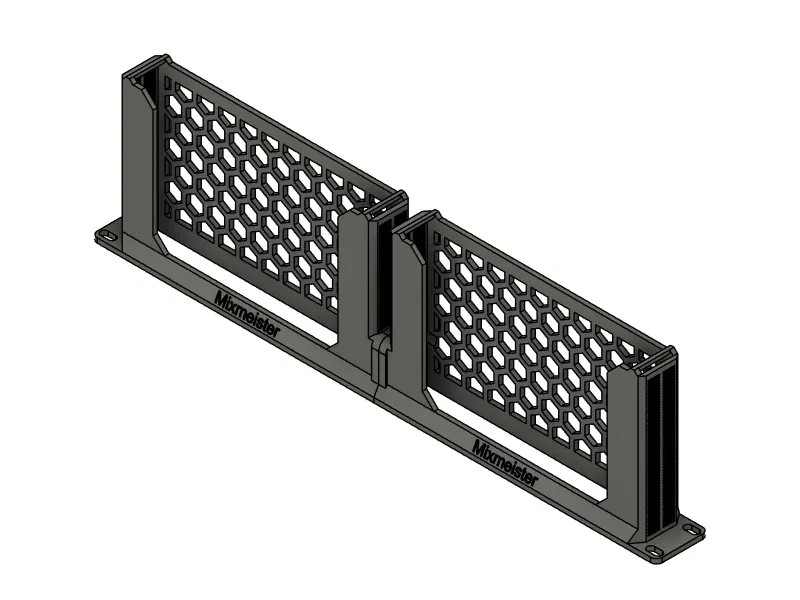
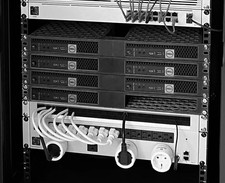
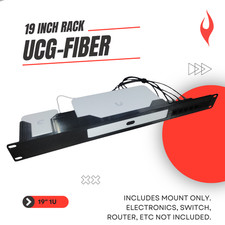
Install one or two TP-Link ES210X-M2 2.5G switches in a standard 19-inch network rack with this modular rackmount system.
Available Configurations:
• Dual Mount: Holds two ES210X-M2 switches
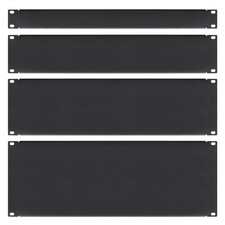
• Left Mount + Blank: Holds one switch on the left with a blank panel on the right
• Right Mount + Blank: Holds one switch on the right with a blank panel on the left
• Left Mount Only: Includes only the left switch-mounting module
• Right Mount Only: Includes only the right switch-mounting module
The Left Mount Only and Right Mount Only options can be combined with another compatible rackmount module available from our shop.
The two rackmount modules connect using three included M3 screws and three included M3 nuts.
Features:
• Designed for the TP-Link ES210X-M2
• Fits standard 19-inch network racks
• Modular design supports multiple configurations
• Keeps the ports and status lights accessible
• Clean and space-saving installation
• 3D printed in durable black PETG
Package Includes:
• Rackmount module or complete rackmount based on your selected configuration
• 3× M3 screws and 3× M3 nuts with complete two-sided configurations
Important: The Left Mount Only and Right Mount Only options include one side only. They must be paired with a compatible opposite-side module to create a complete 19-inch rackmount.
Please note: TP-Link switches, rack screws, cables and other equipment are not included. TP-Link is a trademark of its respective owner and is used solely to identify product compatibility.