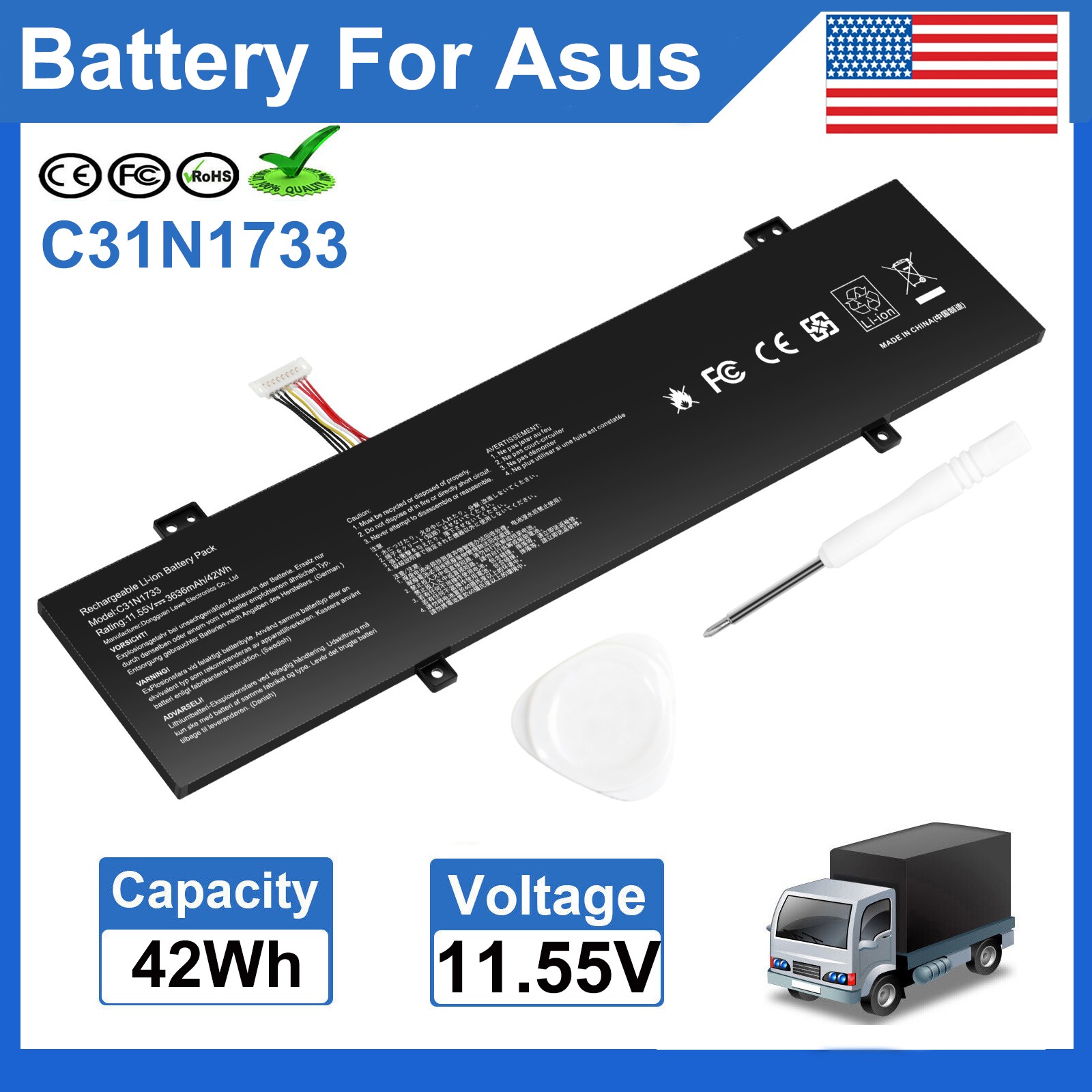
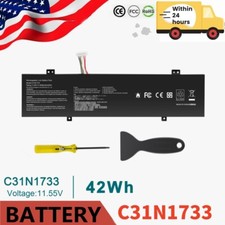
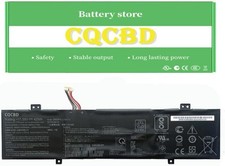
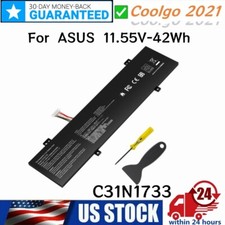
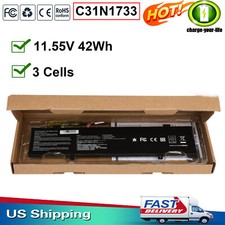
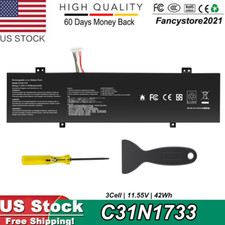
Tips:The C31N1733 has two different designs, they are not compatible with each other, please make sure the original battery is the same as the picture before purchase.
Specification:
Condition: Brand New, 'A' grade cells,100% Compatible!
Battery type:Li-PolymerBattery
Voltage: 11.55V
Capacity: 42WH/3640mAh
Cell: 3 Cells
Operation time: about 1-3 hours
Certification: CE FCC RoHS
Color: black as pictures
Package including: 1×battery (in packing box)
Compatible Part Numbers:
C31N1733 0B200-02970000 0B20002970000 0B200-02970100 3ICP5/58/78
Compatible Models:
Asus VivoBook Flip 14 TP412U Series Notebook,
Asus VivoBook Flip 14 TP412UA Series Notebook:
Asus VivoBook Flip 14 TP412UA-DB21T TP412UA-DB31T TP412UA-DB51T TP412UA-DB71T TP412UA-AS8202T TP412UA-EC085T TP412UA-EC114TS
Asus VivoBook Flip 14 TP412UA-EC232T TP412UA-EC752T TP412UA-EC947T TP412UA-EC034T TP412UA-EC036T TP412UA-EC039T TP412UA-EC047T
Asus VivoBook Flip 14 TP412UA-EC053R TP412UA-EC053T TP412UA-EC055T TP412UA-EC056T TP412UA-EC057T TP412UA-EC059T TP412UA-EC069R
Asus VivoBook Flip 14 TP412UA-EC069T TP412UA-EC072T TP412UA-EC076T TP412UA-EC090T TP412UA-EC093T TP412UA-EC113T TP412UA-EC115T
Asus VivoBook Flip 14 TP412UA-EC123T TP412UA-EC123TS TP412UA-EC130T TP412UA-EC226T TP412UA-EC231T TP412UA-EC244T TP412UA-EC298R
Asus VivoBook Flip 14 TP412UA-EC305T TP412UA-EC312T TP412UA-EC969T TP412UA-IH31T TP412UA-S8130 TP412UA-XB51T TP412UA-EC140T
Asus VivoBook Flip 14 TP412FA Series Notebook:
Asus VivoBook Flip 14 TP412FA-DS51T TP412FA-DB72T TP412FA-OS31T TP412FA-SB55T TP412FA-EC020T TP412FA-EC082T TP412FA-EC175T
Asus VivoBook Flip 14 TP412FA-EC224T TP412FA-EC272R TP412FA-EC339T TP412FA-EC350R TP412FA-EC363RA TP412FA-EC379R TP412FA-EC385T
Asus VivoBook Flip 14 TP412FA-EC417T TP412FA-EC433R TP412FA-EC452T TP412FA-EC477T TP412FA-EC573T TP412FA-EC598T TP412FA-EC870T
Asus VivoBook Flip 14 TP412FA-EC011T TP412FA-EC013T TP412FA-EC020T TP412FA-EC026T TP412FA-EC010T TP412FA-EC035T TP412FA-EC131T
Asus VivoBook Flip 14 TP412FA-EC134T TP412FA-EC226R TP412FA-EC924T TP412FA-AP8201T TP412FA-AP8503T TP412FA-EC015T TP412FA-EC043T
Asus VivoBook Flip 14 TP412FA-EC064T TP412FA-EC079T TP412FA-EC106T TP412FA-EC111T TP412FA-EC117T TP412FA-EC180T TP412FA-EC199T
Asus VivoBook Flip 14 TP412FA-EC200T TP412FA-EC214T TP412FA-EC260T TP412FA-EC301T TP412FA-EC302T TP412FA-EC309T TP412FA-EC362T
Asus VivoBook Flip 14 TP412FA-EC369T TP412FA-EC371TS TP412FA-EC372TS TP412FA-EC389T TP412FA-EC415T TP412FA-EC418T TP412FA-EC473T
Asus VivoBook Flip 14 TP412FA-EC491T TP412FA-EC499T TP412FA-EC500T TP412FA-EC551T TP412FA-EC551TBE TP412FA-EC579T TP412FA-EC611T
Asus VivoBook Flip 14 TP412FA-EC641T TP412FA-SB51T TP412FA-EC149T
How to confirm that the battery is suitable for your laptop?
Method 1: Use System Information to find your laptop model
Step 1: Press Windows + R to open Run window.
Step 2: Input "msinfo32" in the empty box and click OK to open System Information.
Step 3: Keep in the System Summary section, and you will find the System Model item in the right pane.
Method 2: Remove Battery from Laptop to find your laptop battery part number
Step 1: Switch off the laptop and unplug the power cable in case of electric shock
Step 2: Remove the back panel with the screwdriver. You should to this with care avoiding any harm to the laptop components.
Step 3: Disconnect the cable connected to the battery and then take out the battery. After that, you can check the specifications of your battery.
Install A New Battery:
- You need to turn off your laptop and disconnect the power.
- Disconnect the connection between the old battery and the motherboard to avoid unnecessary damage caused by disassembling the battery. Then unscrew the old battery screws one by one and carefully save each screw.
- Remove the old battery, carefully install the new battery on the battery case, screw in the screw, and connect the wiring of the new battery.
- If you don't understand the above steps, you can search for the video about laptop battery installation on YouTube. Maybe it will help you
Laptop Battery Instructions:
- Discharge the new battery to 10% (not 0%), then charge(100%) and cycle 3-5 times to wake up the new battery.
- It can calibrate the state of the battery by performing a complete and effective charging and discharging of the battery once a month.
- Charge it to around 50% when you store it long term.
- Do not keep your battery below 5% or deep discharge state (long time 0%), may turn on battery protection and cause the battery to fail to charge.
- Please feel welcomed to notify us of any inconvenience or fault in our battery.
The following are troubleshooting methods:
- Turn off the laptop.
- Unplug AC power.
- Remove the battery.
- Replace AC power.
- Turn on laptop,allow OS to boot.
- Once logged into the machine, perform a normal shut down.
- Unplug AC power.
- Replace battery.
PaymentDelivery detailsTerms of salesAbout usWarranty PolicyPayment
We accept payment via PayPal, Visa, Mastercard, Apple Pay, Google Pay etc.
Delivery detailsShipping timeItem locate California and New Jersey of Unites States of America.Usually, delivery time less than 7 days in California. Except holiday, weekend, weather delay etc.Other states in U.S.A, the whole shipping time may be in 7 to 15 working days.Package sent from which above warehouse, according to inventory stock quantity , and post address distance.Through message let us know, if you have shipping time request. Such as send item through other shipments. Before you made payment.Whole shipping time is estimated time, it may be different at actual. Hope get your understanding.1 to 3 days shipmentCurrently, delivery successful in California Only. Other states in U.S.A, it may be later delivery in 3 days. Hope you consider carefully before select this shipment. No freight refund, but providecoupon as remedy.ivery detailsy detailsTerms of salesOrder cancellationAt purchase history , find paid order and send cancel request. Usually, request would be agree in 24 hours.Item sent , request failed. Let seller know your request through message, try decline package , or ask seller send return label, or provide other better solution.Revised addressWe only accept shipping address at PayPal's account, per your and ours account security demand. It is better revised your new address at PayPal account, before you made payment.Bother you send message to us, if you forget revised.It may be our service officer is rest. If you have not received our reply in time, accept our apologies sincerely.ReplacementWe accept 60 days return and refund request, after you get item.You would get a brand new item, or refund full payment, if item is defective.It is better hassle return request through message, and provide photo at message.. We set automatically respond to return request, it may be cause solution is not your and our expected. For example, you want replace item, asked buyer return and refund.ExchangeSend message to us, it is better provide photo at message. you would get correct item finally, get return label after exchange, bother you help us return this wrong item.About usWe are a store, mainly run laptop accessory. Such as battery , ac adapter etc.All item passed FCC / CE / ROHS certificates. Help buyer reduce the risk of damage, fire, dangerours mostly.We work with a good quality OEM supplier and factory. Help you and us save money greatly.Warranty PolicyAbout Warranty- You don't need to pay for for getting covered by our warranty policy.- There is a warranty label on our products like batteries and adapter chargers, please keep it safe and sealed.- We don't cover the failure or damage caused by misuse, accident, modification, inappropriate physical or operating environment, natural disaster, power surge, and improper maintenance or storage.- If you misuse the Return Policy, our warranty to your purchase will be revoked.- Please contact us via message if you have any problem and please allow us 24 hours to reply, we will do our best to help you solve it.
On Jul 22, 2026 at 19:09:29 PDT, seller added the following information: